Free AI for Students: Gemini's Student Plan and Other Free AI Tools
Written by Siddanta Sodari on October 7, 2026
Free AI for Students: Gemini and Beyond 🎓🤖
Paid AI plans usually cost $5 to $20 a month, and that is a lot for most students. Several companies now give students that access free. Some offers are a full year of a paid plan, others are free API credits for building your own projects.
This guide covers:
- Google Gemini’s student plan: what you get and how to claim it, step by step
- Other AI tools with free student access or free API tokens, and how to get each one
- A comparison table to help you choose
Checked on 7 October 2026. These offers change often. Each section links to the official page, so check it before you sign up.
Quick Comparison 📊
| Tool | What students get | Cost | Available in Nepal? | Deadline |
|---|---|---|---|---|
| Google Gemini (AI Plus) | 1 year of Google AI Plus | Free for 12 months, then US$4.99/month | ✅ Yes | Redeem by 31 Dec 2026 |
| Gemini API (Google AI Studio) | API key with a free tier | Free (rate-limited) | ✅ Yes | None |
| GitHub Copilot Student | Unlimited code completions + monthly AI credits | Free while you’re a verified student | ✅ Yes | None |
| Claude | Free plan; API credits through Claude Campus programs | Free | ✅ Yes (free plan) | Campus applications are seasonal |
| Azure for Students | US$100 cloud credit, includes Azure AI services | Free, no card needed | ✅ Yes | Renews yearly while you’re a student |
| ChatGPT student offer | 4 months of ChatGPT on a paid plan | Free, then paid | ❌ US students only | 31 Oct 2026 |
Part 1: Google Gemini’s Free Student Plan
What is the offer?
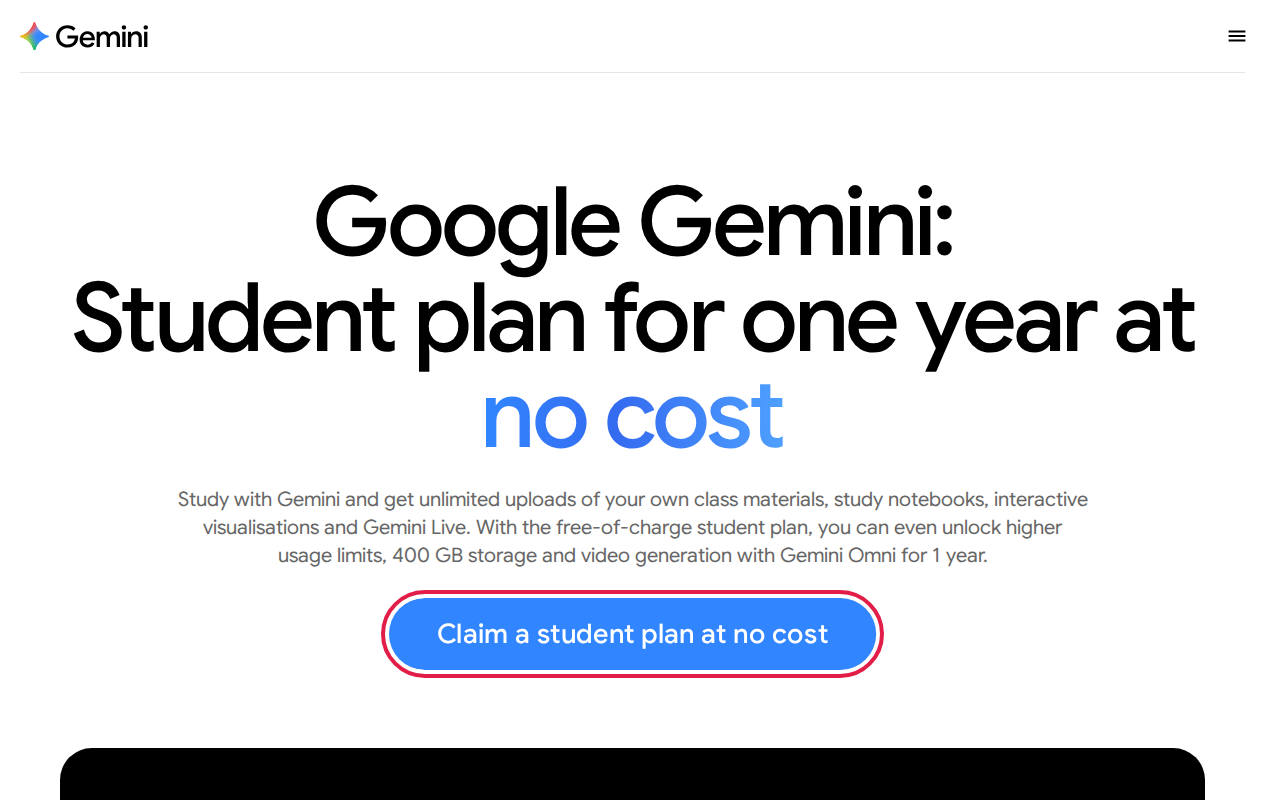
Google is giving eligible university students a free year of Google AI Plus, its paid Gemini plan. In the US, students get the higher Google AI Pro plan instead. Nepal and more than 140 other countries get AI Plus.
What’s included in the AI Plus student plan
According to Google’s official student page, the free plan includes:
- 2× higher usage limits than the free version of Gemini
- 400 GB of cloud storage across Google Drive, Gmail and Photos
- Gemini Omni, Google’s newest model, including video generation
- Unlimited uploads for Study Notebooks, Visuals and Gemini Live
Features that help with studying
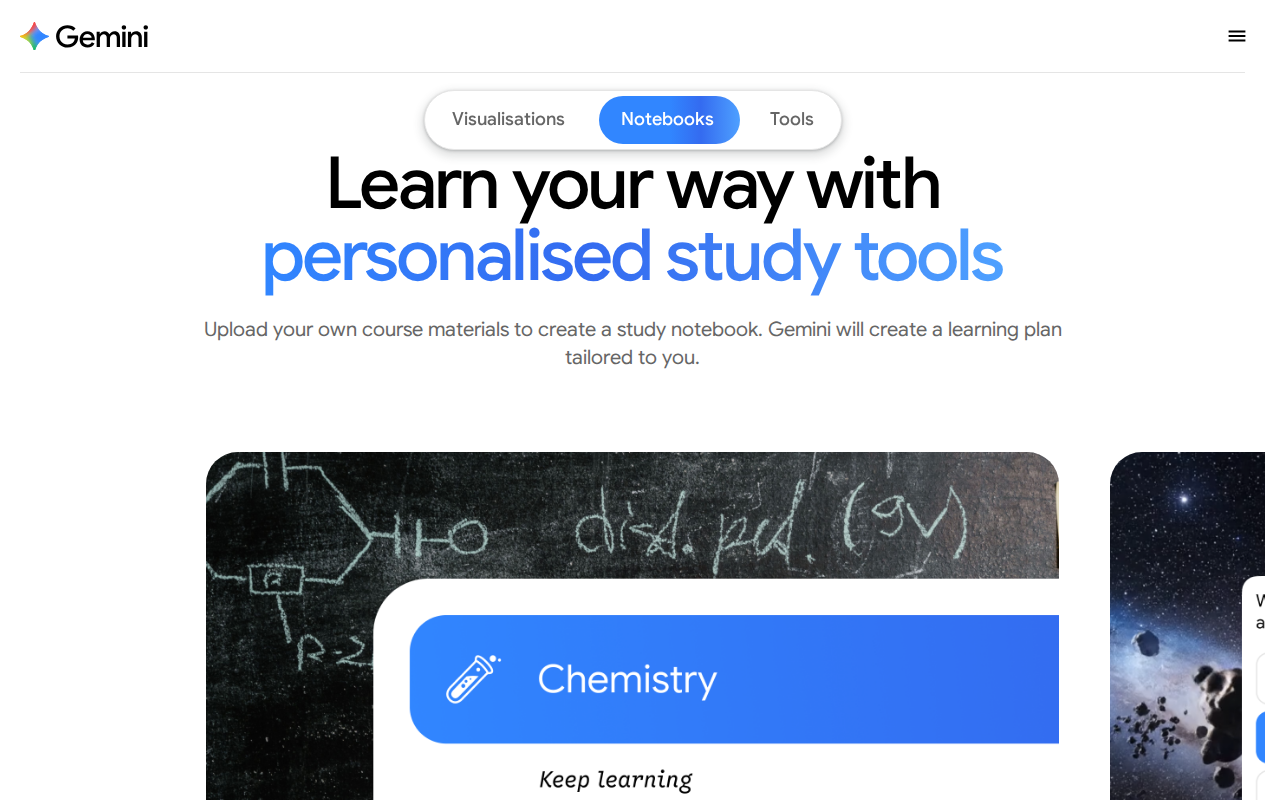
- Study Notebooks: upload your lecture notes, slides or PDFs. Gemini turns them into a study notebook with a learning plan built around your material.
- Personalised quizzes: Gemini writes practice questions from your own notes, so you can test yourself before exams.
- Performance tracker: shows which topics you have mastered and which need more work.
- Student hub: one place for all your courses and study material.
- Guided Learning: Gemini explains a concept step by step instead of just giving you the answer.
- Deep Research: Gemini reads many web sources and writes a report with citations. It’s useful for assignments and literature reviews.
- Gemini Live: talk with Gemini out loud to work through a hard topic or practise for a viva.
- Image generation: make diagrams and visuals for presentations.
- Connected apps: use Gemini inside Gmail, Docs and Drive.
Who is eligible?
Read these rules before you start. Most failed applications break one of them.
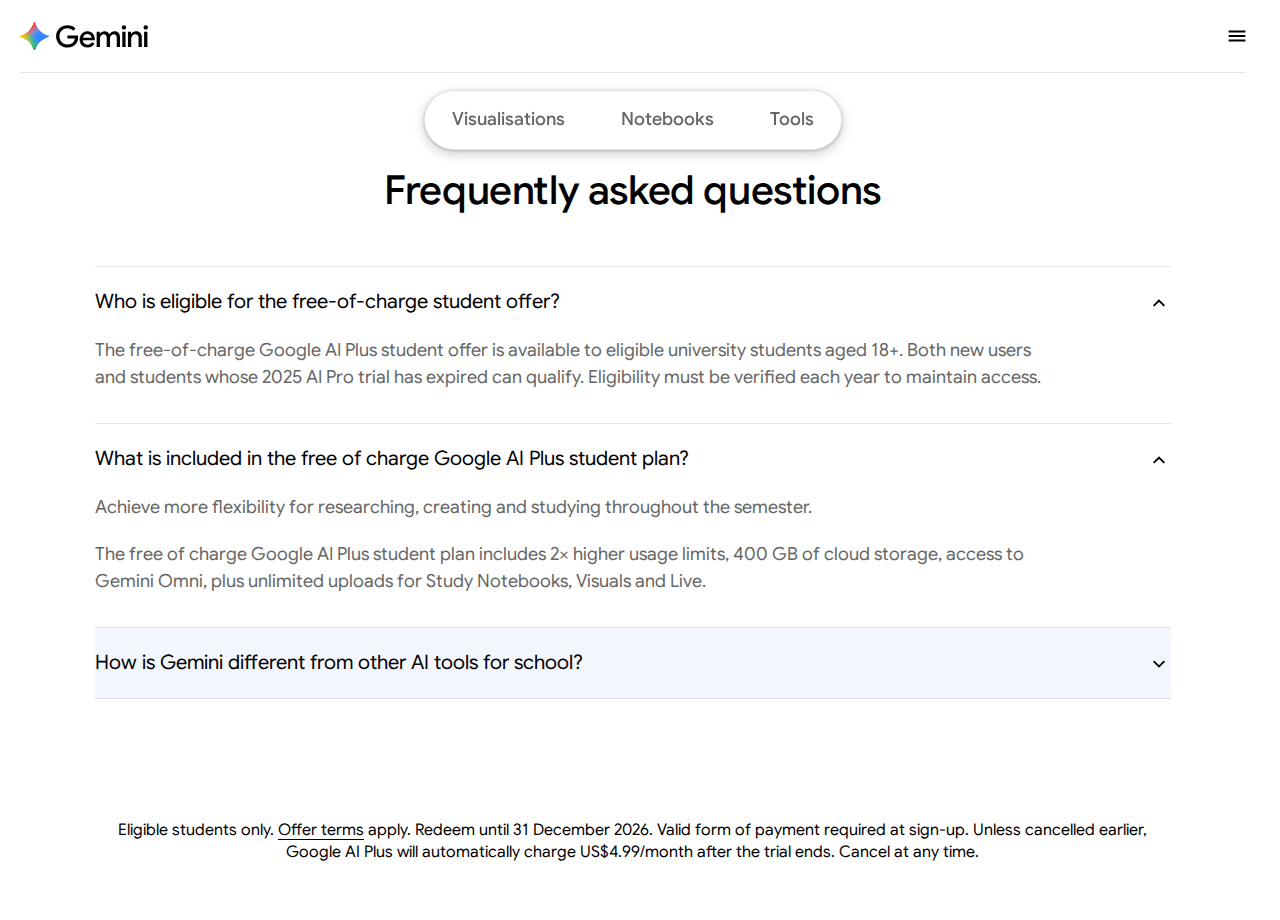
- You must be 18 years or older.
- You must be currently enrolled at a university or college. Google verifies this through SheerID, a third-party student verification service.
- You must use a personal Google account (an
@gmail.comaddress). Your college’s Google Workspace account won’t work. - You need a valid payment method (a debit or credit card that works for online payments) to sign up. You won’t be charged during the free year.
- The offer isn’t available in Bolivia, Albania, Canada, Hong Kong, Macau or Tunisia. Nepal is eligible.
- If your 2025 student AI Pro trial has ended, you can claim this offer too.
Step-by-Step: How to Claim Gemini’s Student Plan 📝
Step 1: Prepare your documents
Have these ready before you start:
- Your college email address, if your college gives you one (for example,
name@college.edu.np). This is the fastest way to get verified. - If you don’t have a college email, a clear photo of a document that shows your name, your college and the current academic year. Your student ID card, admission letter, fee receipt or enrollment letter will work.
- A debit or credit card that works for online payments. Many Nepali bank cards need online or international payments turned on first. You can usually do this in your bank’s mobile app.
Tip: If your document uses the Bikram Sambat (B.S.) calendar, put a B.S. to A.D. date conversion next to it in the same photo. This helps the reviewer see that you’re currently enrolled. It’s the same tip we give in our GitHub Education guide.
Step 2: Open the official student page
Go to gemini.google/students and click “Claim a student plan at no cost” (highlighted above).
Only use this official page. Don’t trust “free Gemini Pro” links shared on social media.
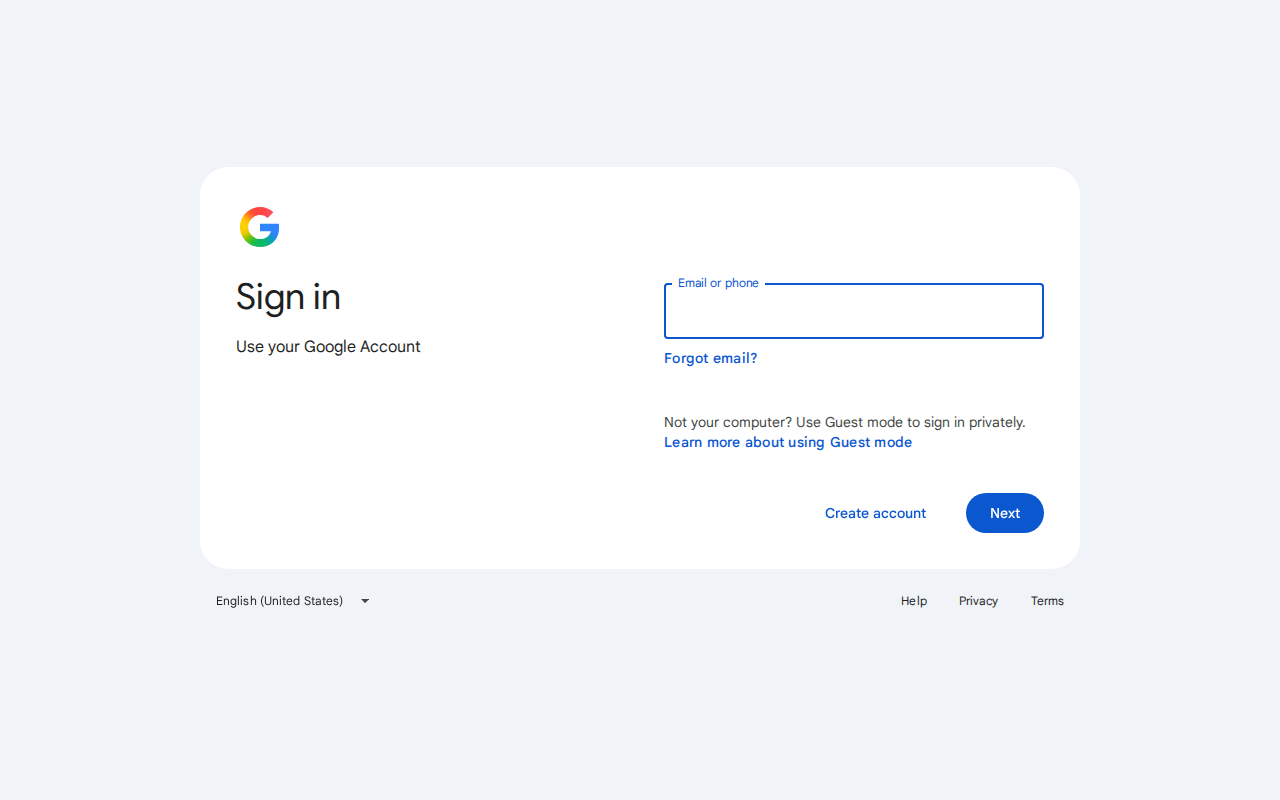
Step 3: Sign in with your personal Google account
Google asks you to sign in. Use your personal Gmail account, not your college account.
Step 4: Verify your student status with SheerID
After you sign in, Google One shows the student plan and sends you to the SheerID verification form:
- Choose your country (Nepal).
- Search for your college or university. As with GitHub, look for your campus name, for example Birendra Multiple Campus. If you can’t find it, try the affiliated university, for example Tribhuvan University.
- Enter your full name exactly as it appears on your student document, and your date of birth.
- Enter your college email if you have one. SheerID sends a verification link to it, and many students are approved in a few minutes.
- If SheerID asks for a document, upload your photo. Take it in good light, show all four corners, and make sure your name, college and the current year are easy to read.
Step 5: Add a payment method and start your plan
Once you’re verified, add your card and confirm the subscription. The price shown should be $0 for 12 months. You won’t be charged now. Google checks your card only so the plan can renew later.
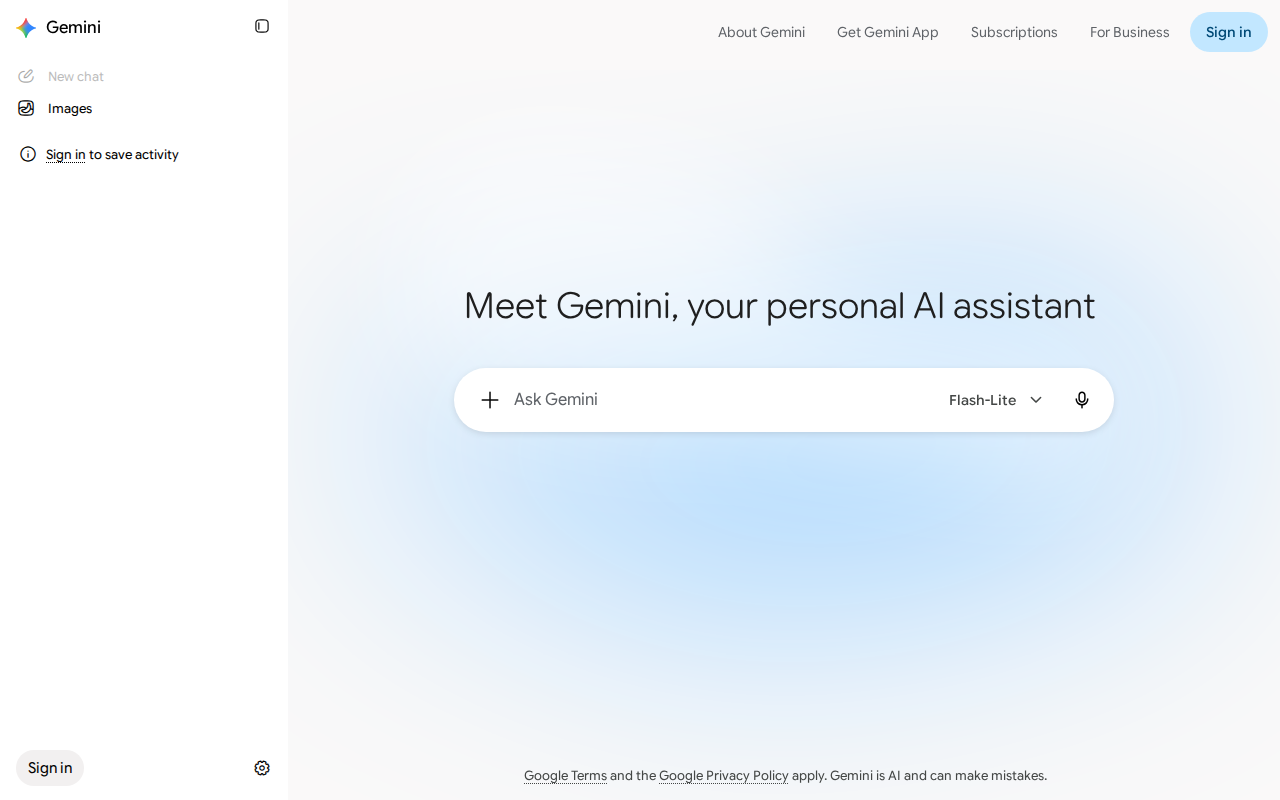
Step 6: Start using Gemini
Open gemini.google.com and sign in with the same account. Your plan shows in your profile menu, and the student features are now unlocked.
Try these first:
- Upload a semester’s lecture PDFs to a Study Notebook and ask for a revision plan.
- Ask Gemini to quiz you on a chapter before an internal exam.
- Use Deep Research to collect sources for a project report. Always open and check the sources yourself.
Step 7: Set a reminder before the year ends
After 12 months, AI Plus renews at US$4.99/month unless you cancel. Set a calendar reminder for one or two weeks before the end date. To cancel, open one.google.com, go to your membership settings and cancel the plan.
Google also asks you to verify your student status again each year to keep access.
Common Problems with the Gemini Offer ⚠️
- “This offer isn’t available for your account.” You’re probably signed in with a college Workspace account or a supervised (child) account. Use a personal Gmail account instead. You also can’t claim the offer if you already pay for Google One through another provider, such as a phone carrier.
- SheerID rejected your document. Upload a clearer photo that shows the current academic year. If one document isn’t enough, put your ID card and your fee receipt side by side in one image.
- Your card was declined. Turn on online or international transactions in your bank app, or try a different card.
- Your college isn’t listed. Try other spellings of its name, then the affiliated university’s name.
Part 2: Other AI Tools with Free Student Access 🧰
Gemini isn’t the only option. Here are other tools Nepali students can use free, especially if you want to build with AI (APIs and tokens) rather than only chat with it.
1. Gemini API in Google AI Studio: free API key 🔑
What you get: a free Gemini API key for your own projects. You can build chatbots, summarisers, project features and more. The free tier covers most Flash and Flash-Lite models and Gemini 2.5 Pro. It’s rate-limited, and you can see your exact limits in AI Studio.
Who can get it: anyone with a Google account. You don’t need student verification or a card.
How to get it:
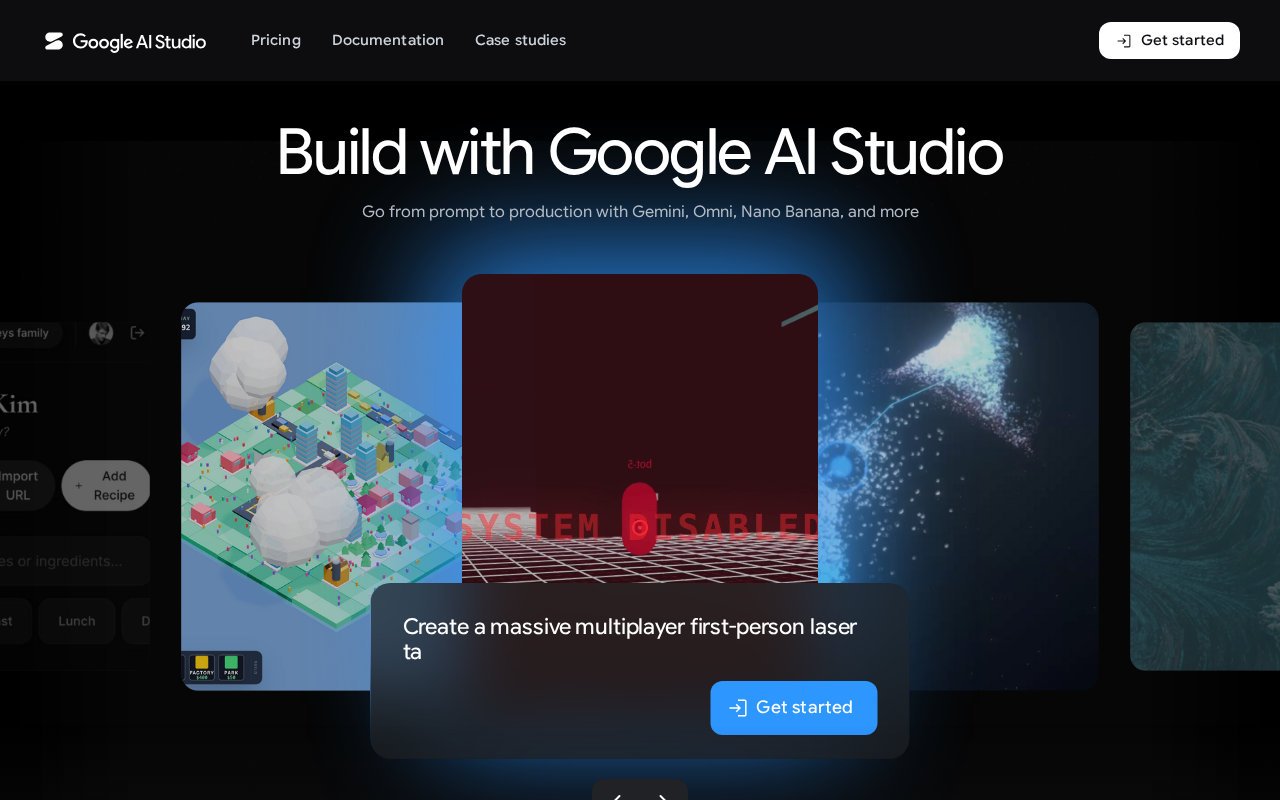
- Go to aistudio.google.com and click “Get started”.
- Sign in with your Google account and accept the terms.
- Open “Get API key”, then click “Create API key”. AI Studio creates a Google Cloud project for you.
- Copy the key and save it in an environment variable or a
.envfile. - Test it from your terminal:
curl "https://generativelanguage.googleapis.com/v1beta/models/gemini-2.5-flash:generateContent" \
  -H "x-goog-api-key: $GEMINI_API_KEY" \
  -H "Content-Type: application/json" \
  -d '{"contents":[{"parts":[{"text":"Explain recursion to a first-year student"}]}]}'
Important:
- Never commit your API key to GitHub. Add
.envto your.gitignore. - On the free tier, Google may use your prompts to improve its products. Don’t send private or sensitive data.
- Google no longer publishes a fixed limits table. Check your project’s limits in AI Studio.
2. GitHub Copilot Student: a free AI coding assistant 💻
What you get: the Copilot Student plan, which includes unlimited code completions, a monthly allowance of AI credits for chat and agent mode, Copilot code review, and MCP support. You can’t pick a specific model. Copilot chooses one for you automatically.
Who can get it: students verified through GitHub Education (13 or older, enrolled in a degree or diploma program). It stays free for as long as you remain verified.
How to get it:
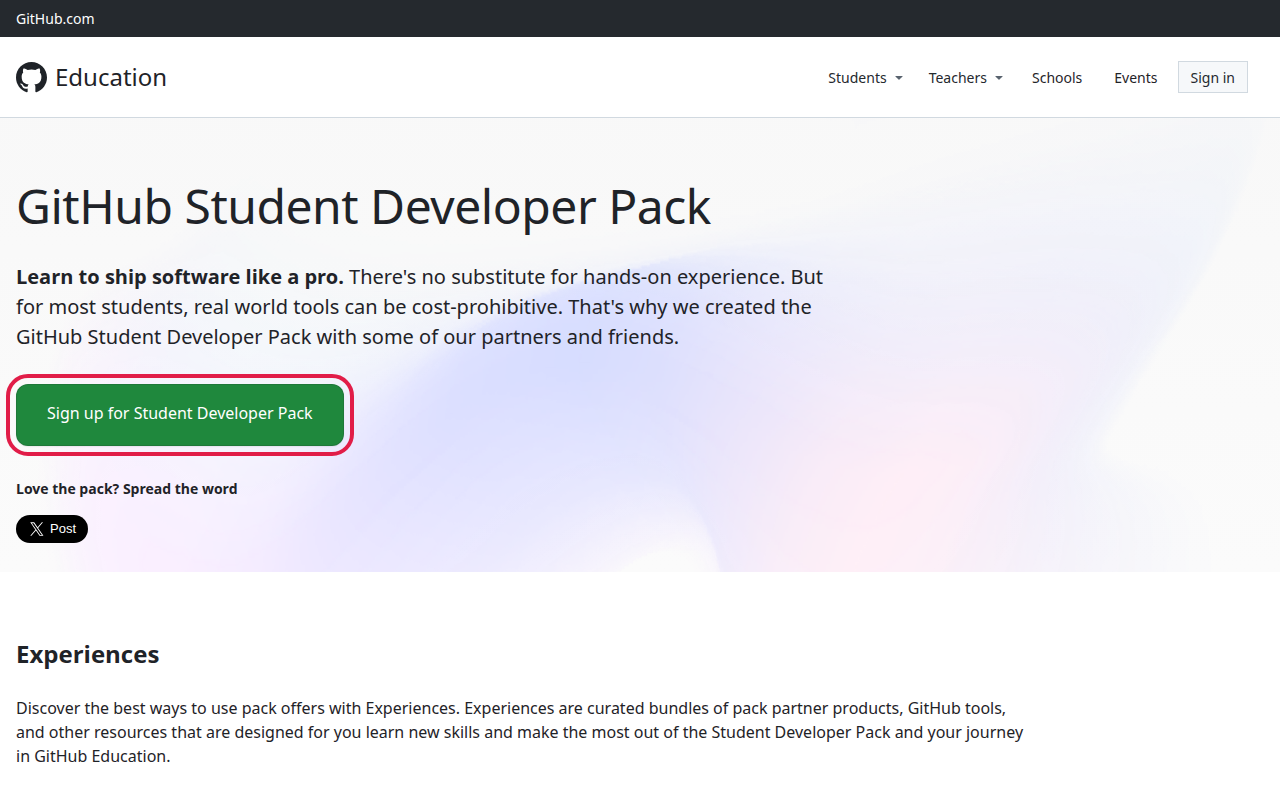
- Get verified for the GitHub Student Developer Pack. We’ve written a full step-by-step guide: How to Get GitHub Education Benefits.
- After you’re approved (benefits can take up to 72 hours to activate), go to github.com/settings/copilot. Copilot Student should be listed there.
- Install the GitHub Copilot extension in VS Code or a JetBrains IDE and sign in with GitHub.
Note: GitHub paused new Copilot Student sign-ups in April 2026 and reopened them gradually from 16 June 2026. If Copilot Student doesn’t appear yet, wait a few days and check again. Copilot Free works in the meantime.
3. Claude (by Anthropic): free plan and Campus programs 🧠
What you get:
- Claude’s free plan at claude.ai. It’s free for everyone, including students, with daily usage limits. It’s good for writing, explaining code and working through problems.
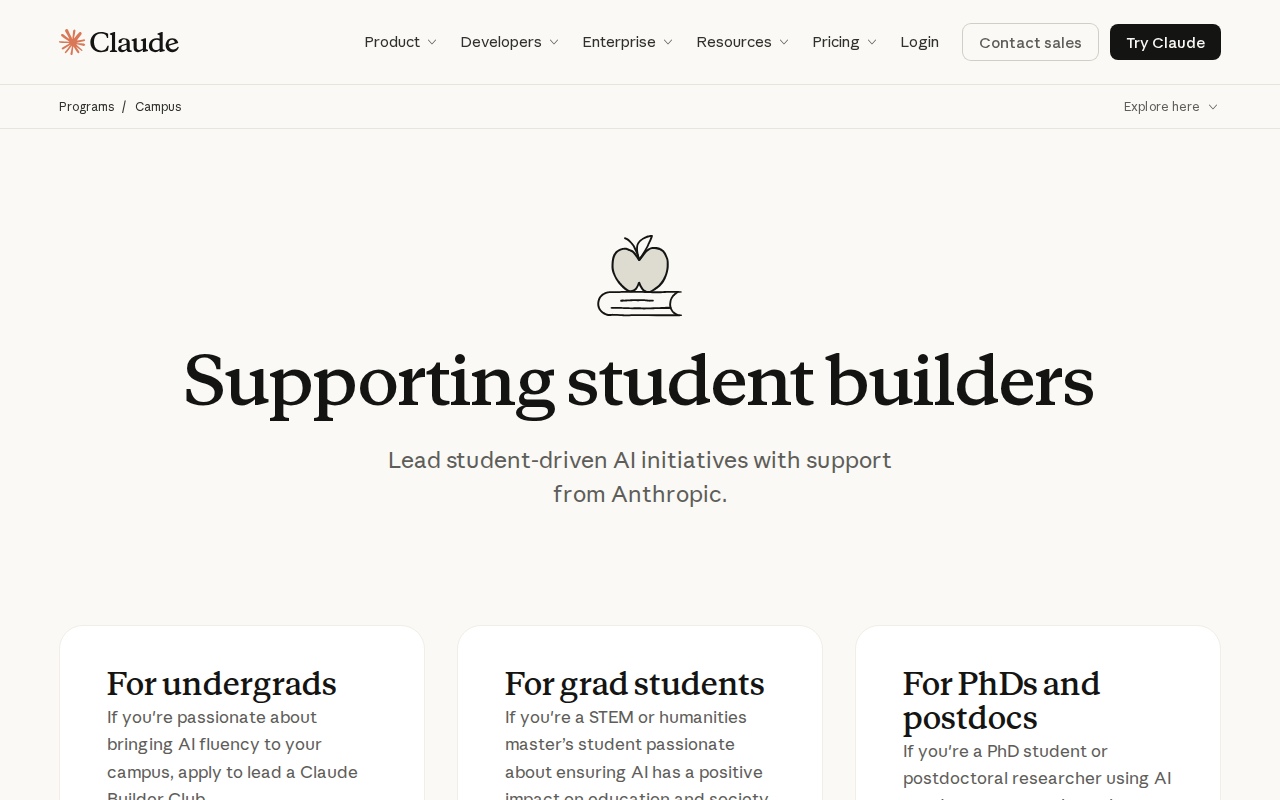
- Claude Campus programs for students who want to lead an AI community at their college. Selected students run a Claude Builder Club (undergraduates), Claude Campus Conversations (graduate students) or Claude Science Workshops (PhD students and postdocs). They get a US$3,600 stipend and API credits to build with.
There’s no individual student discount for Claude Pro right now. If your university buys Claude for Education, you get access through your college account.
How to start with the free plan:
- Go to claude.ai.
- Click “Continue with Google” or enter your email.
- Verify your phone number when asked, then start chatting. You can upload PDFs and images.
How to apply to Claude Campus:
- Go to claude.com/programs/campus and choose the program for your level.
- Applications open once a year. In 2026 they ran from 1 to 12 September, and the program runs from September 2026 to June 2027. Bookmark the page so you can apply in the next round.
- You need to be 18 or older and have work authorisation in the country where you study. Anthropic also expects you to already use Claude well.
4. Azure for Students: US$100 credit for AI and cloud ☁️
What you get: US$100 in Azure credit, 12 months of popular free services, and 65+ always-free services. You don’t need a credit card. You can use the credit on Azure AI services to experiment with AI models in the cloud, and you can renew it every year while you’re a student.
How to get it:
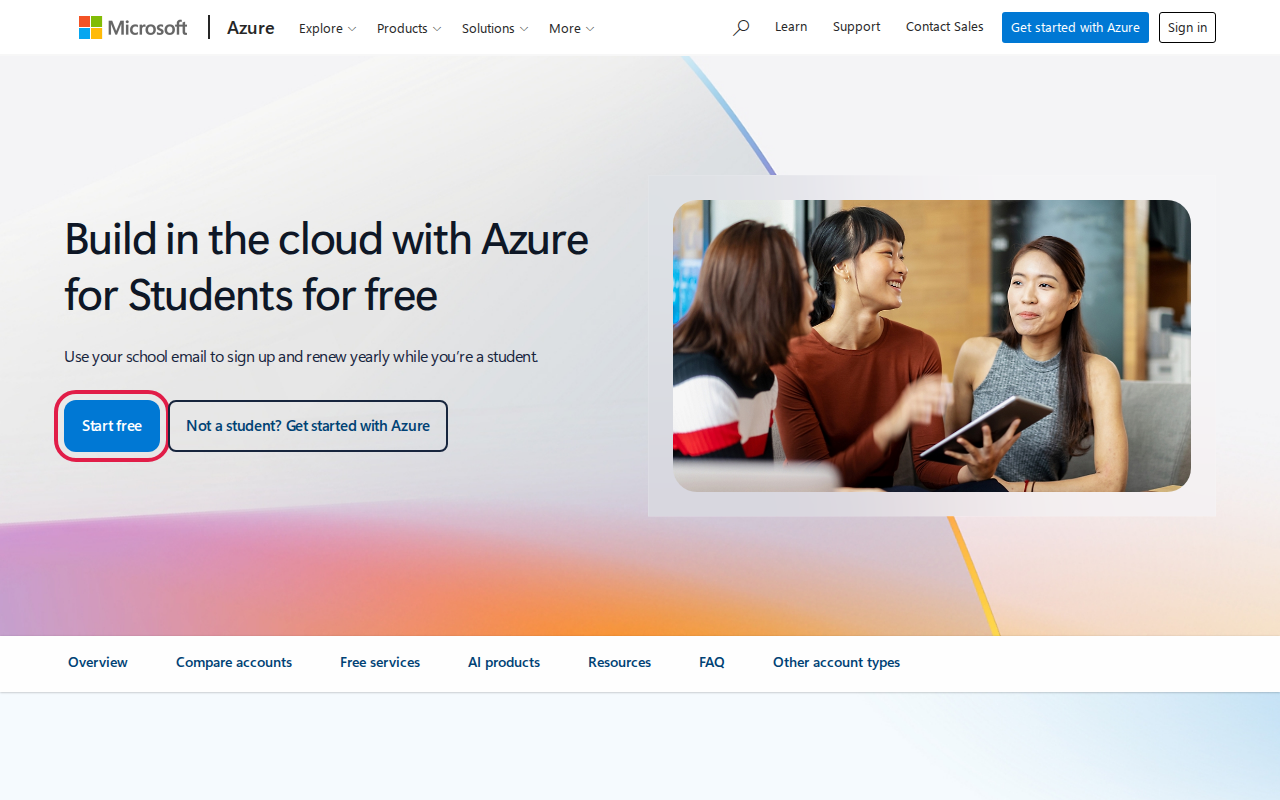
- Go to azure.microsoft.com/free/students and click “Start free”.
- Sign in with a Microsoft account, or create one.
- Verify with your school email address. Microsoft sends a verification link.
- Fill in your details and accept the agreement. The credit shows in the Azure portal right away.
Note: Student subscriptions often have low quotas for OpenAI models. If you can’t deploy a model, try another region (East US or West Europe usually work), or request more quota from the Azure portal.
5. ChatGPT student offer: US only (for reference) 🇺🇸
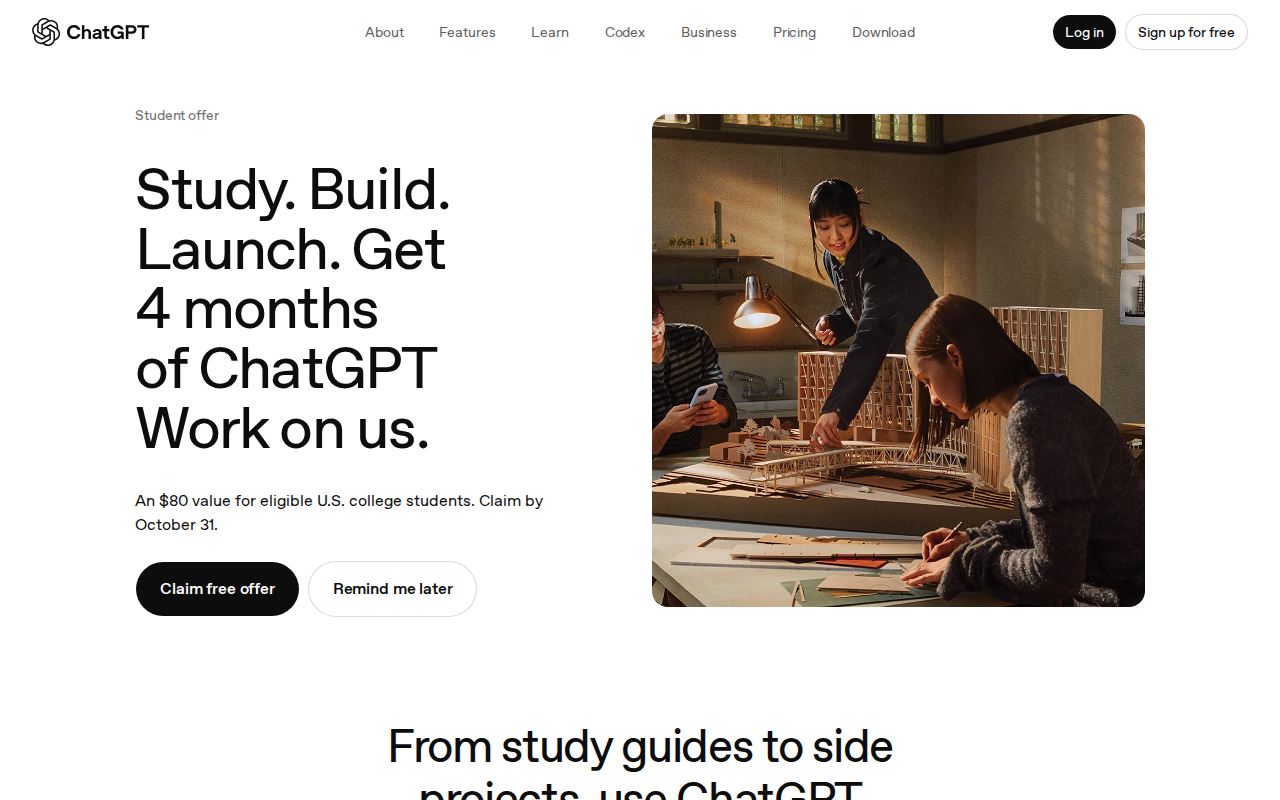
OpenAI’s current back-to-school offer gives 4 free months of a paid ChatGPT plan (worth US$80) to eligible US college students. You claim it at chatgpt.com/students by 31 October 2026, and it’s verified through SheerID. Students in Nepal can’t claim it, but we’ve included it in case you study in the US or a similar offer reaches more countries later. ChatGPT’s free plan at chatgpt.com is open to everyone.
Using AI Responsibly in Your Studies ⚖️
Free AI is a great study partner, but it can also hurt your learning:
- Follow your college’s rules. Many exams and assignments don’t allow AI-generated answers. If you’re not sure, ask your teacher.
- Check facts and citations. AI can be confidently wrong, and it can invent references. Open every source yourself.
- Use it to learn, not to skip learning. Ask it to explain, quiz you, or review your code. Don’t just copy its output.
- Protect your privacy. Don’t upload other people’s personal data, exam papers you aren’t allowed to share, or passwords and API keys.
Conclusion
If you’re a university student in Nepal, start with Gemini’s free year of Google AI Plus before 31 December 2026. Then add the Gemini API and Azure for Students for building projects, GitHub Copilot Student for coding, and Claude for a second opinion. Together, these give you AI tools that normally cost hundreds of dollars a year, all free while you’re a student.
Ready? Start at gemini.google/students.
Did you get stuck on a step, or find a new student AI offer? Leave a comment below and we’ll keep this guide updated. 🚀